
A multi-product-line manufacturing website should use a clear topical hierarchy that groups pages by process, material, application, and certification, then connects those clusters with disciplined internal linking, canonical rules, and predictable URL patterns. The right structure helps procurement managers, design engineers, and Googlebot reach every product line within a few clicks.
This guide covers structural foundations, architecture model selection, URL and navigation design, content hierarchy, technical SEO controls, duplicate handling, migration safeguards, and the agency engagement model.
Structural foundations explain what website structure means for a multi-line manufacturer, why architecture decisions compound as SKUs grow, and how poor structure shows up in lost RFQs and shrinking organic visibility.
Architecture model selection compares flat, deep, hub-and-spoke, silo, pyramid, and faceted approaches, mapped against high-mix and high-volume operations.
URL and navigation design walks through patterns for process, material, and product pages, parameter handling, main menu and mega menu structures, internal linking, and breadcrumb usage.
Content hierarchy organizes pages around processes, materials, applications, and certifications, with depth limits and rules for when material grades earn standalone pages.
Technical SEO controls cover crawl budget, schema markup, pagination, faceted indexation, and mobile page experience for industrial catalogs.
Duplicate handling addresses thin and variant content through canonical tags, differentiation, and consolidation or noindex decisions.
Migration safeguards lay out pre-launch audits, URL mapping, redirect strategy, monitoring, and realistic ranking recovery timelines.
The final section explains how a specialist manufacturing SEO partner approaches multi-line architecture work and which technical audit deliverables matter most.
What Does Website Structure Mean for a Multi-Product-Line Manufacturer?
Website structure for a multi-product-line manufacturer means the deliberate hierarchy, URL pattern, navigation, and internal linking system that organizes process, material, and product pages. The next sections cover why architecture matters at scale, how search engines read these sites, and symptoms of poor structure.
Why Does Site Architecture Matter More for Manufacturers With Many Product Lines?
Site architecture matters more for manufacturers with many product lines because each added process, material grade, or SKU multiplies pages, navigation paths, and ranking signals that must stay coherent. The National Association of Manufacturers reports more than 239,000 manufacturers in the U.S. employing 12.6 million people, which means buyers and Googlebot face dense supplier catalogs every day. When a manufacturer expands beyond one process, weak architecture buries pages, dilutes topical authority, and forces buyers to dig through irrelevant categories before reaching the right specification. Strong architecture turns that complexity into clear pathways. Manufacturers comparing sourcing models can also review contract manufacturing vs custom manufacturing seo to see how positioning influences structural decisions.
How Do Search Engines Read a Multi-Line Manufacturing Website?
Search engines read a multi-line manufacturing website by crawling links, parsing on-page text and structured data, and assigning each URL to topical clusters. Google Search Central explains that Googlebot uses an algorithmic process to decide which sites to crawl, how often, and how many pages to fetch from each site. On a multi-line catalog, that process favors well-linked process and material hubs over orphaned SKU pages. Clear breadcrumbs, sitemaps, and consistent URL patterns help crawlers map process families to product detail pages without guessing. The cleaner the signals, the more pages enter and stay in the index.
What Are the Symptoms of a Poorly Structured Manufacturing Site?
The symptoms of a poorly structured manufacturing site include flat traffic across product lines, RFQs that arrive only for the homepage, and Search Console reports showing important SKU pages as Discovered but not indexed. Nielsen Norman Group research found that difficulties getting from the homepage to the correct product page accounted for 27% of failures across 20 e-commerce sites studied. In manufacturing terms, procurement managers abandon the site for Thomasnet or a competitor before reaching the right capability page. Other symptoms include duplicate process pages, orphaned material grades, mega menus that hide categories, and certifications that never appear in product context. Fixing them starts with diagnosing whether architecture, URLs, or internal links are the real bottleneck.
Which Site Architecture Models Work Best for Multiple Product Lines?
The site architecture models that work best for multiple product lines are flat hierarchies for distinct categories, hub-and-spoke for topical authority, silo for bounded process families, and faceted layers for filterable specs. The right pick depends on catalog size, mix, and buyer journey.
Should Manufacturers Use a Flat or Deep Architecture for Product Catalogs?
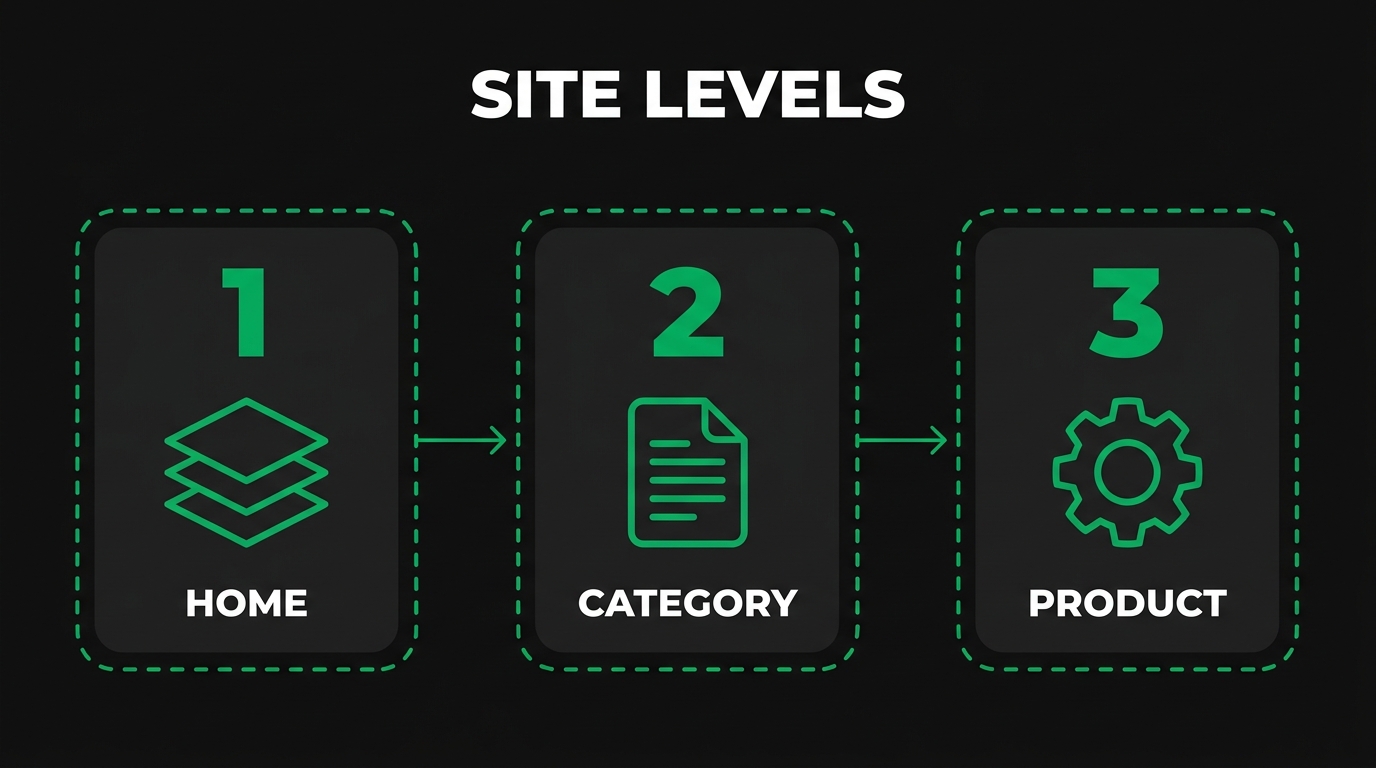
Manufacturers should use a flat architecture when product categories are distinct and recognizable, and a moderately deep architecture when the catalog spans multiple processes with many sub-variants. Nielsen Norman Group notes that content is more discoverable when it is not buried under multiple intervening layers, and that flat hierarchies tend to work well when categories are distinct and recognizable. For most multi-line manufacturers, a three-level depth (process or product family, subcategory, product detail page) hits the practical balance between discoverability and meaningful grouping. Flatter than that and the homepage menu collapses; deeper than that and SKU pages sit four or five clicks below where Googlebot and procurement managers usually stop.
When Is a Hub-and-Spoke Model Better Than a Pure Hierarchy?
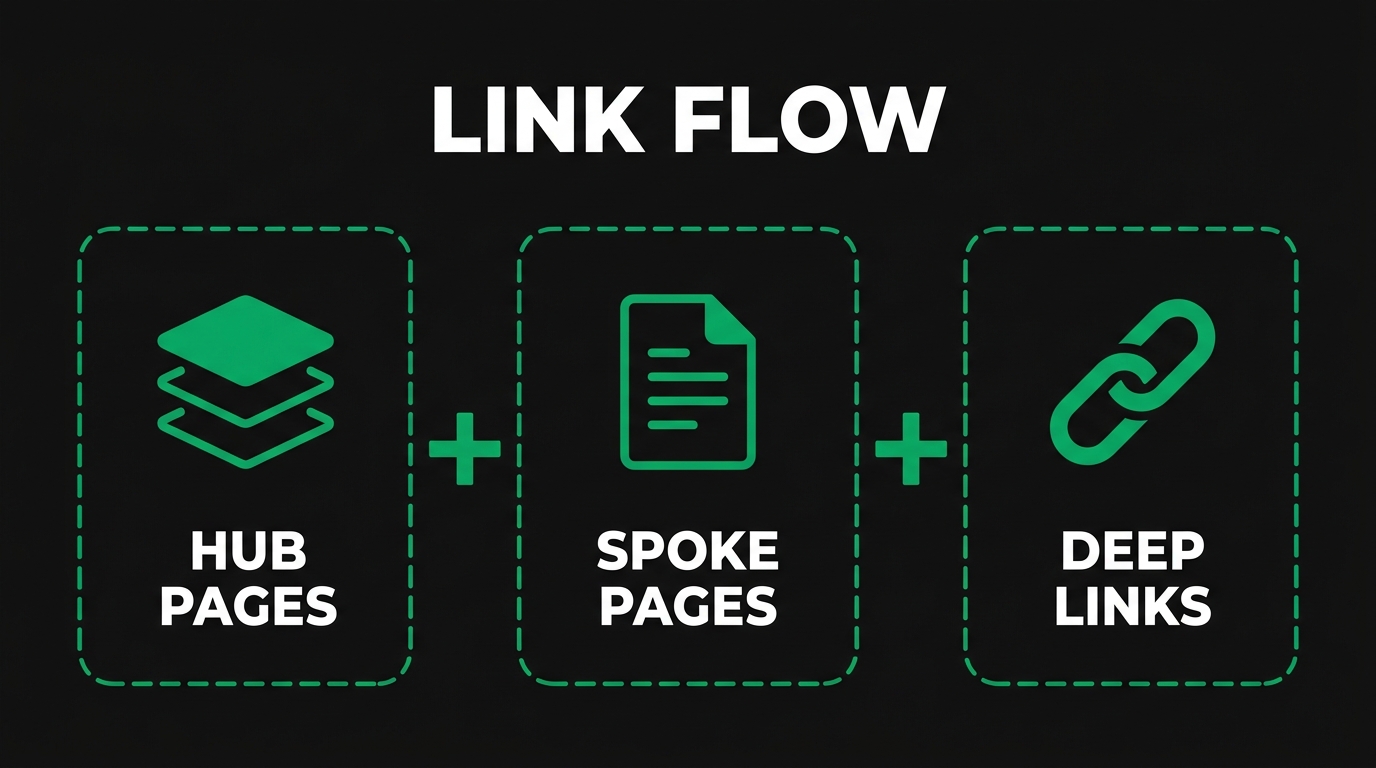
The hub-and-spoke model is better than a pure hierarchy when the goal is topical authority around a process or capability rather than a strict catalog tree. A hub-and-spoke setup uses one comprehensive overview page (the hub) for each process, material family, or industry, surrounded by detailed spoke pages that link back to the hub and across to peers. This pattern shines for capabilities like CNC machining or injection molding where buyers research a topic broadly before drilling into specific tolerances or grades. Pure hierarchies still work for catalog-style navigation, but they leave editorial topics like buying guides and certifications without a natural home. Most multi-line manufacturers run both: a hierarchy for product discovery and hub-and-spoke for capability authority.
How Do Silo, Pyramid, and Faceted Models Compare for Industrial Catalogs?
Silo, pyramid, and faceted models compare on three axes for industrial catalogs: how strictly they group content, how authority flows, and how filters are exposed. Silo models keep each process or product line in its own tightly linked cluster with limited cross-linking, which protects topical relevance but isolates related capabilities. Pyramid models layer content from broad capability down to narrow specifications, concentrating link equity at the top hub. Faceted models add filterable attributes (material, tolerance, certification, dimension) over a base category, giving buyers fine-grained sorting at the cost of crawl complexity. High-mix manufacturers usually combine pyramid for editorial depth with controlled faceting for product discovery.
Which Architecture Suits High-Mix, Low-Volume Versus High-Volume Manufacturers?
High-mix, low-volume manufacturers suit a hub-and-spoke architecture organized by process and capability, while high-volume manufacturers suit a pyramid or faceted catalog organized by SKU and specification. High-mix shops sell engineering skill across many short runs, so spoke pages built around tolerances, materials, and industries match how engineers and buyers search. High-volume manufacturers ship a smaller set of repeat products in large quantities, so faceted SKU navigation, structured product data, and filter-friendly URLs match buyer behavior. Card sorting and tree testing, the information architecture methods Nielsen Norman Group documents in its IA study guide, help confirm which model maps to your actual buyer mental model before commit. Once the model fits the mix, the URL structure can lock it in.
How Should URL Structure Be Designed for Multiple Manufacturing Product Lines?
URL structure for multiple manufacturing product lines should be designed as short, descriptive, lower-case paths that mirror the chosen architecture, separate words with hyphens, and avoid session IDs. The next questions cover ideal patterns, slug strategy, parameter handling, and crawl-bloat mistakes.
What Is the Ideal URL Pattern for Process, Material, and Product Pages?
The ideal URL pattern for process, material, and product pages is a three-segment path that names the parent capability, the subcategory, and the product, written in lower-case kebab-case. Google Search Central recommends using hyphens instead of underscores, percent-encoding reserved characters, and keeping URLs descriptive rather than ID-heavy. A workable template looks like /capabilities/cnc-machining/5-axis-aluminum-brackets or /materials/stainless-steel/316l-sheet. Each segment should match a real category page that exists in the navigation, and canonical tags should point each variant to its primary URL because, as Google notes, indicating a canonical preference is a hint, not a rule. Predictable patterns help buyers guess the next URL and help crawlers discover sibling pages.
Should URLs Use Categories, Subcategories, or Flat Slugs for SKUs?
URLs should use categories and subcategories for capability and family pages, and flat slugs for unique SKU pages that need maximum portability. Category-nested URLs (/cnc-machining/aluminum/5-axis-brackets) reinforce hierarchy and keep breadcrumbs predictable. Flat SKU slugs (/products/sku-12345-bracket) protect against breakage when a product moves between categories. The hybrid pattern many manufacturers settle on uses nested URLs for editorial and family pages and flat slugs for individual SKUs, joined by a single sitemap index. Pick one model per content type and stay consistent; mixed patterns within the same content type confuse crawlers and analytics tools.
How Do You Handle URL Parameters for Filters, Specifications, and Variants?
You handle URL parameters by separating filter inputs from primary navigation, allowing only high-value combinations to be indexed, and pointing the rest at canonical category pages. Google Search Central recommends using an equal sign to separate key-value pairs and ampersands to add additional parameters, and treats /APPLE and /apple as distinct URLs with their own content. Reserve clean URL paths for evergreen pages, push transient filter states into query parameters, and use rel=canonical, robots directives, or URL parameter handling rules to avoid indexing every filter combination. For variants that meaningfully differ (size, finish, certification), give each its own canonical product URL with structured data describing the variant relationship.
What URL Mistakes Cause Crawl Bloat in Manufacturing Catalogs?
The URL mistakes that cause crawl bloat in manufacturing catalogs include unbounded faceted combinations, session IDs in the path, mixed-case duplicates, infinite calendar or pagination loops, and orphan parameter URLs created by tracking scripts. Each mistake silently multiplies the URLs Googlebot must consider before reaching real product pages. CISA's Critical Manufacturing Cybersecurity Framework Implementation Guidance is built so that any organization can apply risk management principles regardless of size or sophistication, and the same proportional discipline applies to URL hygiene: audit, classify, and constrain. A monthly crawl review using log files and Search Console catches bloat early, before it starves new product pages of crawl budget.
How Do You Plan Navigation and Internal Linking Across Product Lines?
Navigation and internal linking across product lines should be planned as a layered system: a stable main menu for capabilities, mega menus for processes and materials, contextual links inside content, and breadcrumbs everywhere. The next four questions cover menu composition, mega menu structure, link rules, and breadcrumb usage.
What Should the Main Menu Include for a Multi-Line Manufacturer?
The main menu for a multi-line manufacturer should include four to six top-level items that map to the buyer's mental model: Capabilities (or Processes), Materials, Industries, Resources, About, and Contact. Each top-level item opens into a focused submenu that lists the most-searched processes or product families first. Avoid stuffing every product family into the menu. Buyers need a clear entry point to each product line, not a complete catalog index in the header. Reserve detailed SKU navigation for category pages and on-page faceted filters where the context already narrows the choice.
How Should Mega Menus Be Structured for Process and Material Categories?
Mega menus should be structured for process and material categories by chunking options into two-dimensional groups, ordering them by either workflow or search demand, and showing each option only once. Nielsen Norman Group documents that mega menus are an excellent design choice for accommodating a large number of options because they let users see rather than try to remember. Recommended hover behavior holds the menu open after the mouse remains stationary for 0.5 seconds. For a manufacturer, that means one mega panel for Processes (CNC machining, sheet metal, additive, injection molding), one for Materials (steel, aluminum, plastics, composites), and one for Industries (aerospace, medical, automotive). Each panel links to its hub page plus the most popular spokes.
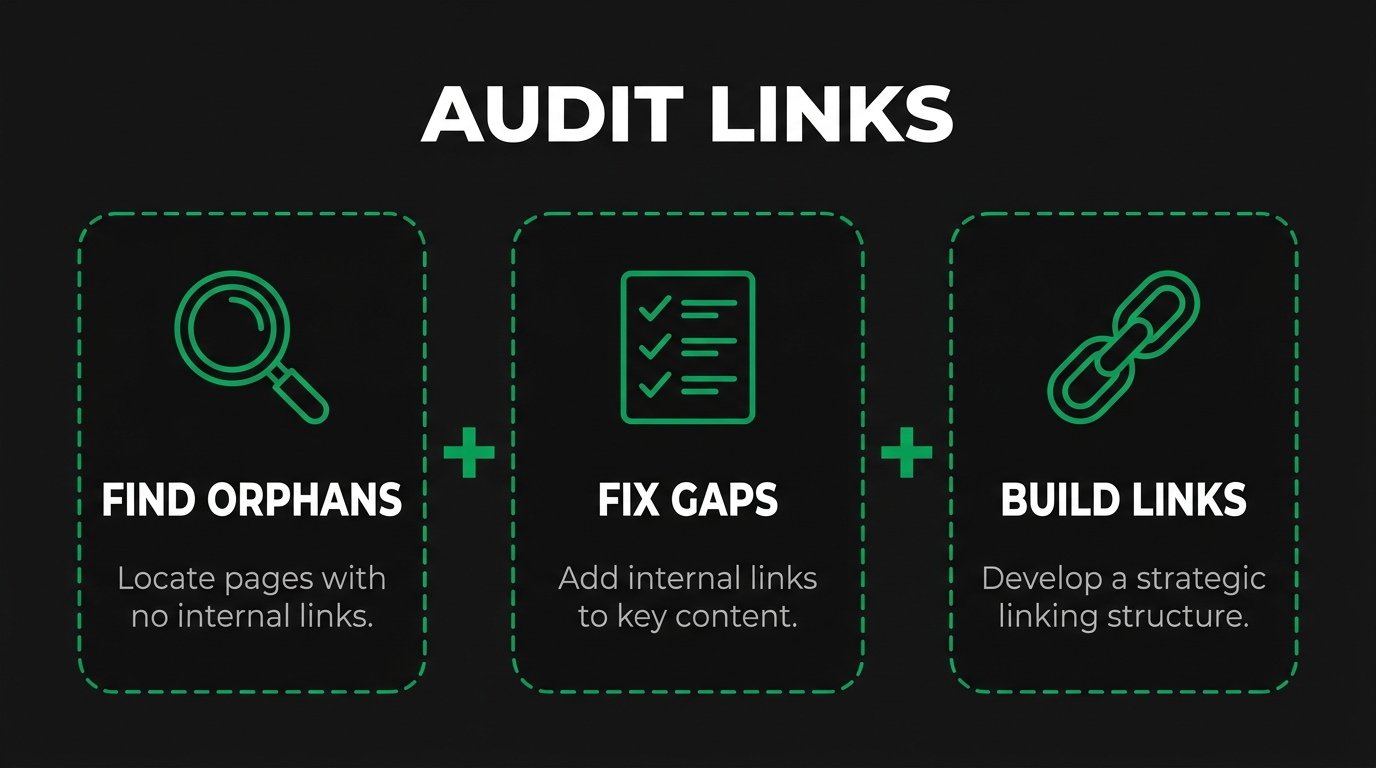
What Internal Linking Rules Help Spread Authority Across Product Lines?
The internal linking rules that help spread authority across product lines are: every hub links to all its spokes, every spoke links back to its hub and to two or three peer spokes, and every product page links to its parent capability and material pages. Google Search Central explains that link architecture, the method of internal linking on a site, plays a critical role in Googlebot's ability to find pages and ensures visitors can navigate the site. Use descriptive noun-phrase anchor text that matches the target page's primary topic, and avoid generic anchors like "click here" or "learn more." Internal links inside body content carry more weight than repeated boilerplate links in footers.
How Do Breadcrumbs and Contextual Links Improve Discoverability?
Breadcrumbs and contextual links improve discoverability by giving users and crawlers a constant orientation cue and by surfacing related pages where the topic naturally fits. Breadcrumbs reveal the path from homepage to current page, which lets buyers jump back to a parent category in one click and lets Googlebot understand hierarchy. Contextual links inside body copy connect related processes, materials, and applications without forcing users back to the menu. The combination supports the deep-linking pattern Nielsen Norman Group documents, where direct entry to interior pages enhances usability because it satisfies the user's specific intent. Together, navigation and internal linking set up the content hierarchy work in the next section.
How Do You Organize Content Hierarchies Around Processes, Materials, and Applications?
Content hierarchies for a multi-line manufacturer should be organized around three intersecting taxonomies: processes (how the part is made), materials (what it is made from), and applications (where it is used), with certifications and industries layered as filters. The next questions cover clustering, material pages, certifications, and depth.
How Should You Cluster Pages by Manufacturing Process Versus End Application?
Cluster pages by manufacturing process when the buyer searches for capability ("5-axis CNC machining"), and by end application when the buyer searches for outcome ("aerospace machined parts"). The cleanest setup runs both clusters in parallel: a process hub for each capability, an application hub for each industry, and cross-links from every product page back to both. This dual-cluster approach matches how procurement managers and design engineers actually search; engineers start with the process, buyers often start with the application or part name. A solid b2b manufacturing content strategy keeps the two clusters aligned without duplicating content. Pages that try to serve both clusters at once usually rank for neither.
When Should Material Grades Get Their Own Pages or Live Under Process Pages?
Material grades should get their own pages when buyers search for the grade by name and the grade has distinct properties, certifications, or applications, and should live under process pages when the grade is a minor variant. Standalone material pages work for high-search grades like 6061 aluminum, 316L stainless steel, PEEK, or Inconel 718, where engineers want grade-specific data sheets, tolerances, and certifications. Sub-grades that share specifications with a parent grade can live as a section on the parent page or as a faceted filter under the process page. Use search demand and topical depth as the test. Manufacturers comparing partners can also browse top manufacturing marketing firms for context on how leading firms organize material content.
How Do You Map Certifications and Industries Into the Hierarchy?
Map certifications and industries into the hierarchy as cross-cutting filters that surface on every relevant product, capability, and application page rather than as standalone navigation tiers. Create one anchor page per certification (AS9100, ISO 13485, IATF 16949, ITAR registration) and one anchor page per industry, then link to them from every page that legitimately holds the certification or serves the industry. This pattern preserves the primary process and material hierarchy while making certifications and industries discoverable from search. It also gives procurement managers a single canonical page to bookmark when verifying supplier compliance.
What Is the Right Depth for Process, Material, and Application Pages?
The right depth for process, material, and application pages is three clicks from the homepage to a specific product detail page, with hub and category pages sitting one and two clicks deep. Three-click depth keeps important pages reachable for both crawlers and buyers without forcing the homepage menu to balloon. Hub pages (process, material, industry) sit at depth one or two; family or sub-category pages at depth two or three; product detail pages at depth three. Pages buried four or more clicks deep tend to lose internal link equity and crawl frequency, which feeds directly into the technical SEO concerns in the next section.
What Technical SEO Considerations Affect Multi-Product-Line Manufacturing Sites?
The technical SEO considerations that affect multi-product-line manufacturing sites are crawl budget management, structured data on product pages, pagination and faceted indexation rules, and mobile page experience. The next four questions cover each control in turn, with reference to Google's published guidance.
How Do You Handle Crawl Budget Across Thousands of Product Pages?
You handle crawl budget by reducing low-value URLs, prioritizing important product pages in sitemaps, and keeping server response time fast. Google Search Central states that crawl budget management matters for large sites with one million or more unique pages updated weekly, and for medium or larger sites with 10,000 or more pages updated daily, while noting these numbers are rough estimates. For most multi-line manufacturers crossing 10,000 indexable URLs, that means consolidating duplicates, blocking low-value parameter URLs in robots.txt, and using sitemap priorities to surface new product pages first. The basics of seo friendly content reinforce why each indexable page must earn its crawl. Review log files monthly.
What Schema Markup Should Manufacturing Product Lines Use?
Manufacturing product lines should use schema.org Product markup with manufacturer, brand, mpn, and offers properties, and ProductGroup or isVariantOf relationships when SKUs share a base model. Schema.org defines Product as any offered product or service, with key manufacturer properties including manufacturer, brand, and mpn (Manufacturer Part Number), and variant relationships expressed via isVariantOf, model, and hasVariant. Add Organization schema on the homepage, BreadcrumbList on every category page, and FAQPage on capability hubs that answer recurring engineer questions. A complete step-by-step guide to product schema walks through validation in JSON-LD. Keep schema in HTML at server response time so Google sees it without rendering JavaScript.
How Do You Manage Pagination, Faceted Navigation, and Indexation Rules?
Manage pagination, faceted navigation, and indexation by separating the pages worth indexing from the temporary filter states that should not. Google Crawling Infrastructure warns that crawlers will typically access a very large number of faceted navigation URLs before determining the URLs are useless, and recommends returning an HTTP 404 status code when a filter combination returns no results. For pagination, link page two and beyond as crawlable URLs while keeping the canonical pointing at the paginated page itself, not page one. For high-demand facet combinations (material plus process), promote the URL to an indexable category page; for the rest, block via robots.txt or noindex. Site architecture best practices for large manufacturing catalogs detail the trade-offs in depth.
What Mobile and Page Experience Issues Affect Industrial Catalogs?
Mobile and page experience issues that affect industrial catalogs include slow product page loads, layout shifts from spec tables, and laggy filter interactions on mobile. Google's Core Web Vitals thresholds require LCP within 2.5 seconds of page start, INP under 200 milliseconds, and CLS under 0.1, measured at the 75th percentile across mobile and desktop. Industrial catalogs often miss these thresholds because high-resolution part images, embedded CAD viewers, and heavy spec tables overload mobile rendering. The poor mobile experience of an industrial site shows up directly in lost RFQ submissions, especially from field engineers checking suppliers on phones. Defer non-critical scripts, lazy-load images below the fold, and pre-size table containers to keep CLS low.
How Should You Handle Duplicate, Thin, and Variant Content Across Product Lines?
Duplicate, thin, and variant content across product lines should be handled with a deliberate canonical strategy, content differentiation per page, and consolidation, noindex, or redirect for pages that no longer earn traffic. The next four questions cover causes, canonical use, differentiation, and cleanup decisions.
What Causes Duplicate Content in Multi-Line Manufacturing Sites?
Duplicate content in multi-line manufacturing sites is caused by shared product descriptions across SKUs, parameter URLs that render the same page, protocol or trailing-slash variants, and copy-paste spec sections reused across processes. Each cause silently inflates the index with near-identical pages that compete with each other for ranking. Common manufacturing examples include the same material grade page appearing under three processes, the same product served at HTTP and HTTPS, or filter combinations that load identical content under different URLs. Audit duplicates with site:queries, Search Console coverage reports, and a Screaming Frog crawl that flags identical title tags or content hashes.
How Do You Use Canonical Tags Across Variant and Specification Pages?
Use canonical tags across variant and specification pages by pointing each duplicate or near-duplicate URL to the single primary URL you want to rank. Google Search Central defines canonicalization as the process of selecting the representative canonical URL of a piece of content, and emphasizes that indicating a canonical preference is a hint, not a rule. For meaningful product variants (different size, finish, or certification), each variant gets its own canonical URL pointing to itself. For trivial variants (sort order, color swatch on the same product), point the canonical to the base product. Self-referencing canonicals on every indexable page prevent accidental cross-canonicalization when filters, parameters, or device variants enter the URL space.
How Do You Differentiate Pages for Similar Products Across Different Lines?
Differentiate pages for similar products across different lines by writing line-specific copy that emphasizes the use case, certifications, materials, and processes unique to each line. Two pages that share a base product but serve aerospace versus medical buyers should differ in their compliance language (AS9100 vs ISO 13485), their tolerance specs, and their application examples. Google's documentation notes that a search result usually points to the canonical page unless one of the duplicates is explicitly better suited for a search user, so each line page must give Google a reason to surface it for line-specific queries. Original specification tables, line-specific case studies, and dedicated FAQs help.
When Should You Consolidate, Noindex, or Redirect Thin Pages?
Consolidate, noindex, or redirect thin pages based on their search demand, link profile, and current performance. Consolidate two or more pages targeting the same query into a single richer page, then 301 the losers to the consolidated URL. Noindex pages that have a legitimate user purpose but no search value (internal search results, low-spec product detail pages with backlinks worth keeping). Redirect with 301 when a page has equity (backlinks, internal links, conversions) but is being retired in favor of a better page. Delete and 410 only when a page is genuinely obsolete with no equity to preserve. Apply the same discipline before any site migration, covered in the next section.
How Do You Migrate or Restructure a Manufacturing Site Without Losing Rankings?
You migrate or restructure a manufacturing site without losing rankings by running pre-migration audits, mapping every old URL to a new one, deploying clean 301 redirects, and monitoring index coverage and traffic post-launch. The next questions cover audits, URL mapping, monitoring, and recovery timelines.
What Pre-Migration Audits Should You Run on a Multi-Line Catalog?
Run a full crawl, a backlink audit, an analytics export, and a Search Console export before any multi-line catalog migration. The crawl captures every current URL, status code, title, meta description, canonical, and internal link count; the backlink audit identifies pages worth preserving for their referring domains; the analytics export records traffic and conversions by URL for the trailing 12 months; the Search Console export captures impressions, clicks, and indexed status. Together these snapshots become the source of truth for the URL map and the post-launch comparison. Skipping any of the four leads to silent loss of pages that earned traffic, backlinks, or RFQs.
How Do You Map Old URLs to New Ones During a Restructure?
Map old URLs to new ones during a restructure by joining the pre-migration crawl to the new sitemap on a one-to-one basis where possible, and to the closest topical equivalent where the new structure consolidates pages. Every old URL needs a destination, even if that destination is the parent category page or a 410 for genuinely retired content. Avoid one-to-many or many-to-one fan-outs that confuse Googlebot. For consolidations, pick a single canonical destination and document the rationale per row. The map should include old URL, new URL, redirect type (301, 410), and a note on whether content was preserved, merged, or replaced.
What Redirect, Indexing, and Monitoring Steps Are Critical Post-Launch?
The critical post-launch steps are deploying 301 redirects on day one, submitting both old and new sitemaps to Search Console, monitoring crawl errors and coverage daily for two weeks, and tracking ranking and traffic deltas weekly for at least 90 days. Watch for 4xx and 5xx spikes, redirect chains exceeding three hops, and pages that drop out of the index. Compare top-traffic URLs from the pre-migration export against post-migration analytics to identify any pages that lost traffic. Update internal links to point directly to the new URL rather than relying on the redirect, since direct links pass equity more efficiently and reduce crawl friction.
How Long Does It Take to Recover Rankings After a Manufacturing Site Restructure?
Ranking recovery after a manufacturing site restructure typically takes a few weeks for small to medium catalogs and several months for large catalogs. Google Search Central notes that Googlebot can follow up to 10 hops in a chain of multiple redirects but advises ideally no more than 3 and fewer than 5, and recommends keeping redirects for as long as possible (generally at least one year). Expect ranking fluctuation while Google recrawls and reindexes the new structure. For multi-line manufacturers with thousands of product pages, plan for a 60 to 120 day recovery window with weekly monitoring and gradual return to baseline. Restructures done well typically produce net ranking gains within the same year.
How Do You Approach Website Structure With a Manufacturing SEO Agency?
You approach website structure with a manufacturing SEO agency by aligning architecture, URL design, internal linking, and technical controls to procurement-intent search behavior, then validating against crawl data and RFQ outcomes. Manufacturing SEO Agency works with manufacturing seo experts who specialize in this discipline.
Can a Manufacturing Technical SEO Audit Help Restructure Multiple Product Lines?
A manufacturing technical SEO audit can help restructure multiple product lines by mapping every existing URL to its current performance, identifying duplicate or thin pages, and proposing a target architecture tied to procurement-intent keywords. Manufacturing SEO Agency runs full technical crawls, schema validation, crawl health checks, and page experience reviews tuned to manufacturing intent. International Organization for Standardization documents like ISO 16792, which specify requirements for the preparation, revision, and presentation of digital product definition data, set the precedent that disciplined documentation pays back at scale. The same logic applies to a website. A manufacturing technical seo audit delivers the URL-level inventory, gap analysis, and prioritized restructure plan you need before touching production.
What Are the Key Takeaways About Structuring a Multi-Product-Line Manufacturing Website?
The key takeaways about structuring a multi-product-line manufacturing website are: pick an architecture (flat, hub-and-spoke, pyramid, or hybrid) that matches your product mix; design URLs with predictable, hyphenated, descriptive paths; plan navigation around buyer mental models with mega menus for processes and materials; cluster content around processes, materials, applications, and certifications; control crawl budget through sitemaps, canonicals, and robots directives; differentiate variant pages with original copy; and migrate carefully with redirects that preserve equity. Each layer reinforces the next. Manufacturing SEO Agency builds these layers into a single roadmap that ties technical structure to RFQ pipeline rather than vanity metrics.